

TR | EN
TamgamCAD Versions

2D CAD Software and Technical Drafting Program

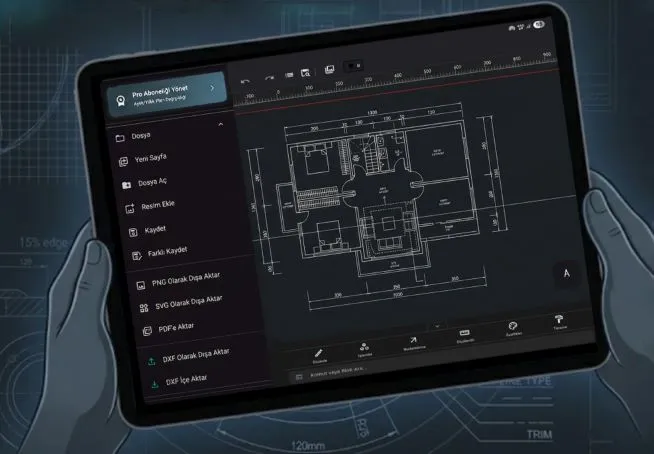
Enjoy the TamgamCAD experience freely, whether on your desktop or on your mobile device, wherever you are.

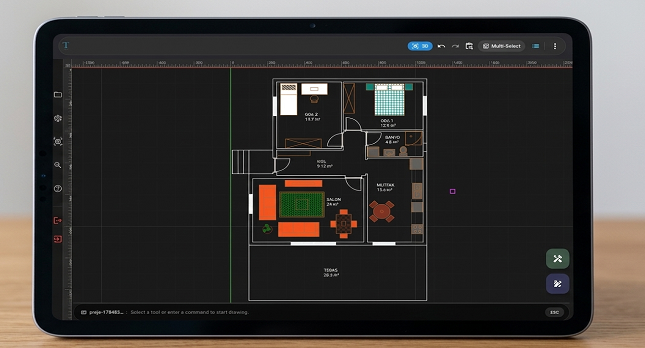
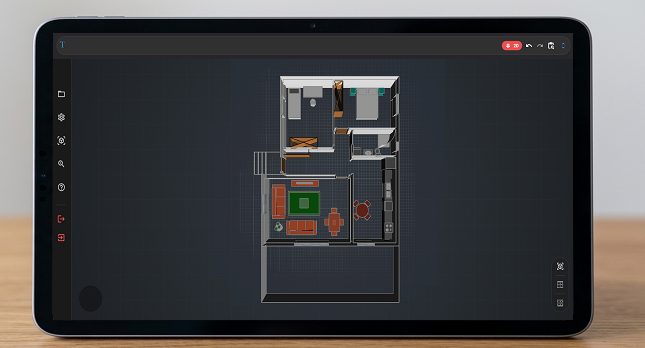
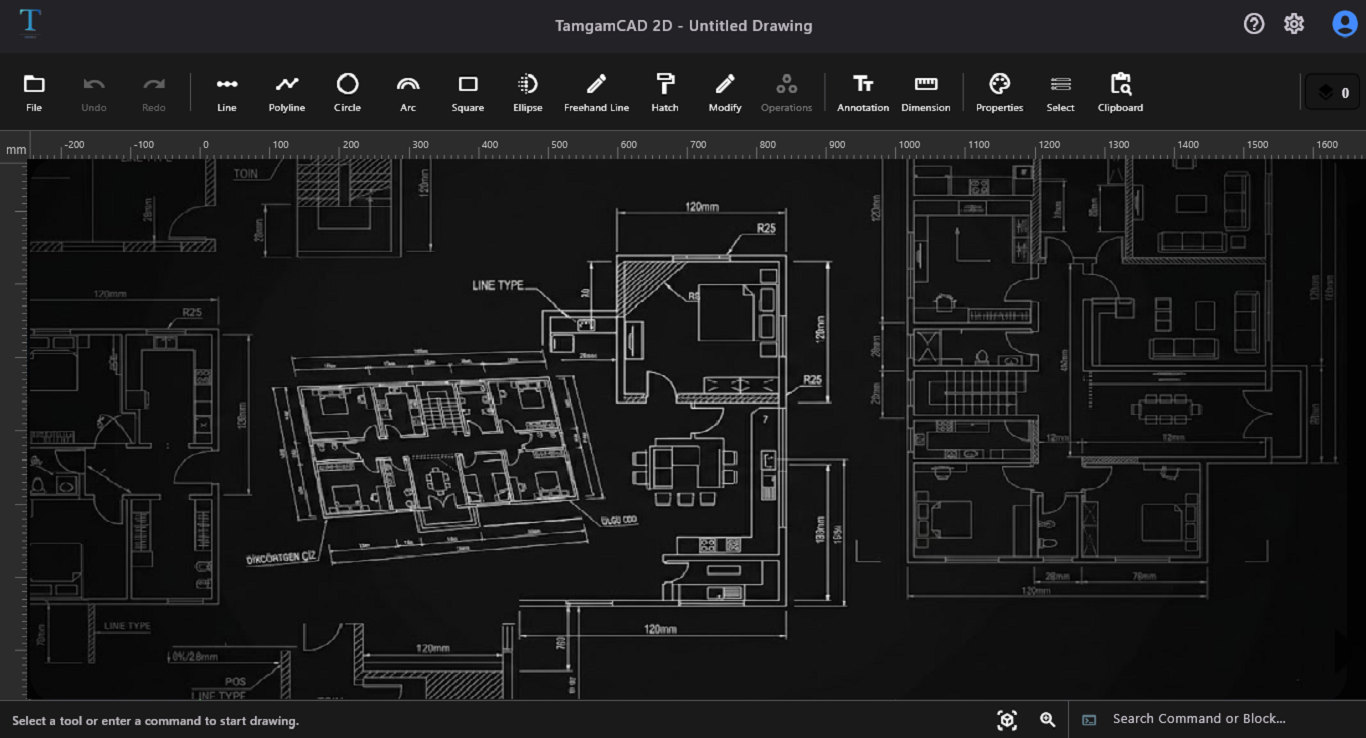
TamgamCAD Drawing Screen
📐

Precision Drawing

TamgamCAD helps you create precise drawings with its intelligent snap and grid infrastructure. It enables you to flawlessly design your projects using industry-standard editing commands.

🔒

Local Work Area

We value your intellectual property. Your drawing files and projects are stored locally on your device, unless you opt for external cloud synchronization. You are completely in control.

🖨️

Export in Universal Formats

It exports your technical drawings, including dimensions and custom symbols, in high-resolution DXF, PDF, SVG, and PNG formats. It allows you to easily share your 2D CAD projects in vector quality for professional presentations and detailed prints.

👆

Touch and Pen Support

TamgamCAD is optimized for touch screens and tablets. Zoom and pan the canvas with two fingers, or make millimeter-precise drawings directly on the screen with your stylus.

Try TamgamCAD, the right tool for your business model

💻

Desktop Version

Master complex CAD projects on your Windows 10 and 11 devices with a widescreen workspace, keyboard shortcuts, and high performance.

Masaüstü sürümümüz temel araçları içerir.

Download from Microsoft Store
📱

Mobile Version

Bring the power of professional 2D CAD anywhere with its user-friendly interface designed specifically for touchscreens.

You can use keyboard shortcuts by using an external keyboard.

The mobile version, with all its advanced features, is the most powerful version of TamgamCAD.

Get it on Google Play

Feel the Power of Design with TamgamCAD 2D CAD Software

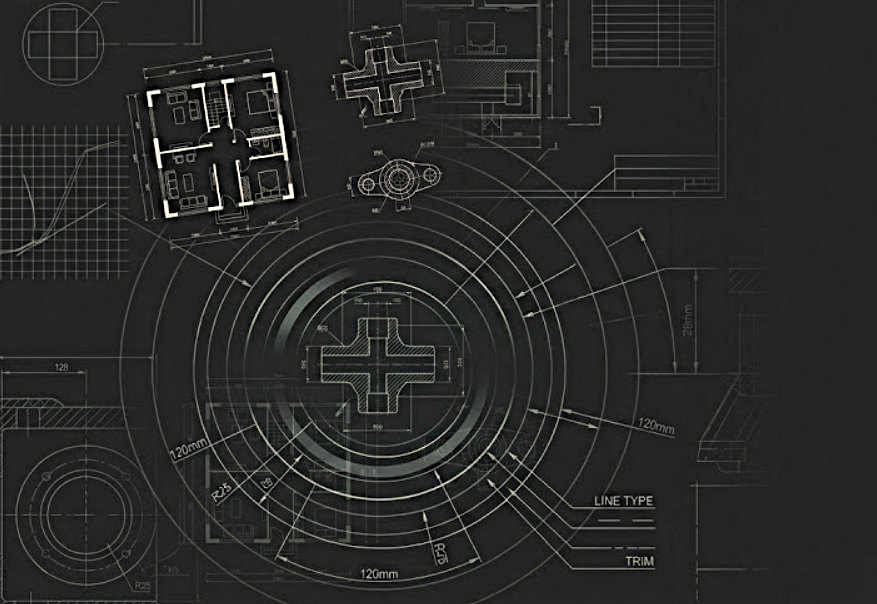
TamgamCAD is a high-performance 2-dimensional computer-aided design (CAD) software developed specifically for technical drawing. The 2D CAD software is a vector-based software that allows making designs and creating floor plans with precise two-dimensional technical drawing in fields such as engineering and architecture. The TamgamCAD 2D CAD program offers an efficient workspace with its simple design and user-friendly interface. Thanks to in-program guides and an easy user manual, you can create your first 2D drawing quickly. TamgamCAD offers practical solutions for architects, engineers, technicians, and professionals or beginners operating in the design field. You can review the versions to try out the fast and high-performance TamgamCAD software for free.
TamgamCAD Img

Comprehensive and Fast 2D CAD Technical Drawing Capabilities

You can quickly detail your 2D technical drawings or illustrations with TamgamCAD's advanced tools. You can set the color, thickness, and line type of your drawings from the properties section, and later change their styles or transfer them to another object. Thanks to hatching options, you can draw detailed technical illustrations, and with precise measurement tools, you can find out the real-life equivalent of your drawings. You can quickly add the drawings you customized and detailed to the library using block creation for later use. To use the created block in different layers, you can use the project library; to use it in other projects, you can use the global library. For more details about block settings and other drawing tools, you can check out the user manual. While providing users with the basic features required for technical drawing/illustration, TamgamCAD also prioritizes speed and usability. One of the most basic CAD tools, layer management, allows users to organize and manage objects in the drawing according to user-defined properties. This feature, which is important for complex engineering and architectural drawing, increases efficiency and allows the project to grow systematically.


* Some features may vary depending on the platform used. For the feature list and comparison, you can review the feature table.

Kapsamlı 2D CAD Teknik Çizim

Why Should You Choose TamgamCAD 2D Drafting Program?

As a next-generation 2D CAD program that stands out with its powerful and user-friendly interface optimized for mobile devices, TamgamCAD makes the professional drawing experience accessible to everyone. Whether you are in the field or out of the office, you can create, edit, and share your projects whenever you want.


Going beyond a classic mobile CAD application, the Mobile Pro version offers advanced Boolean operations, unlimited layer management, precise drawing tools, and DXF/PDF export support. This way, you can do not only DXF viewing but also fully professional production.


You can take a quick step into the 2D CAD world by downloading TamgamCAD for free right now. You can use Pro features with in-app purchases in the mobile version, and use the desktop Beta version for free during early access. Discover the version that best suits your needs now, accelerate your designs with the right 2D CAD program, and take your projects to a professional level.

Start drawing your dream design with professional expertise.

Download it for free now and start drawing

Frequently Asked Questions (FAQ)

Is an internet connection required to use TamgamCAD?

No, an internet connection is not mandatory. Thanks to its local workspace feature, TamgamCAD stores all your projects and drawings on your device, allowing you to work completely offline.

Can I use the Pro features I purchased on Google Play on the Microsoft Store?

No, the software's features vary depending on the platform it is published on. If the features included in your purchased subscription are not offered on the other platform, you cannot use those features. However, you can log in with the same email address.

Is it easy to use on tablets and touchscreens?

Absolutely! Our interface is specifically optimized for touchscreens. You can zoom/pan with two fingers and create drawings with millimeter precision using your stylus.

Is there an educational or trial version available?

Yes, we offer a 7 or 14-day free trial version (depending on the selected subscription) where all features are unlocked so you can test the program. You can download it via Google Play and try it immediately. You can easily use the software with in-app guidance without the need for complex training processes.

Get in Touch with Us

Write to us for suggestions and technical support requests.

Contact Information

Email: tamgamcad@hotmail.com

Note: For faster resolution of your technical support requests, please use the email address associated with your Pro license registration.